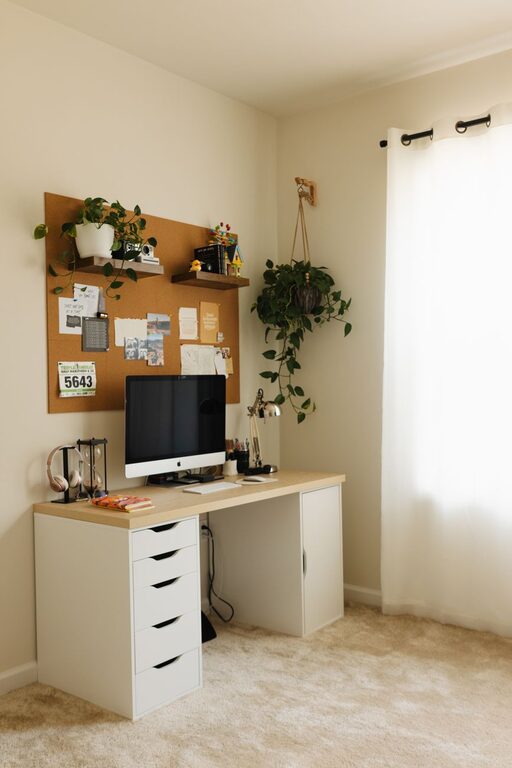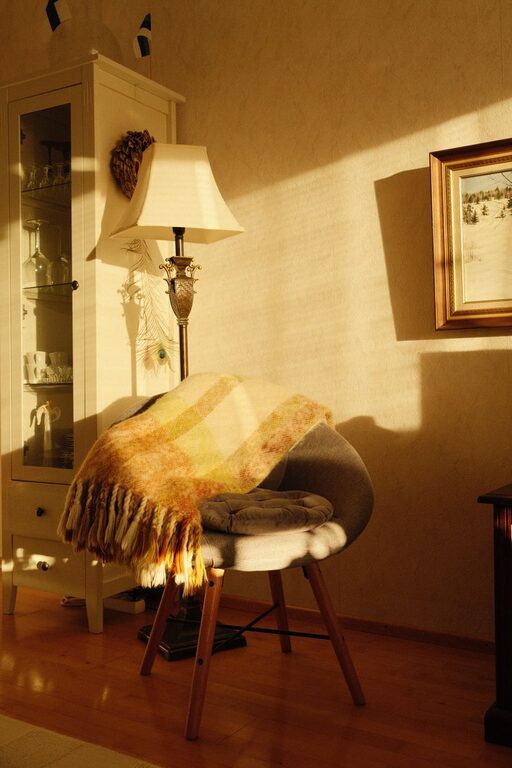


Creating a home office that is both comfortable and productive can significantly improve your work-from-home experience. Whether you’re working remotely full-time or occasionally taking work home, a well-designed workspace helps you stay focused, motivated, and reduces stress. In this guide, we’ll cover practical tips to help you create a home office space that suits your needs, promotes good posture, minimizes distractions, and inspires creativity.
Choose the Right Location
Consider Natural Light
One of the most important elements in creating a pleasant workspace is natural light. Position your desk near a window if possible. Natural light can boost your mood and energy levels, helping you work more efficiently throughout the day.
Minimize Noise and Distractions
Find a quiet spot with minimal foot traffic and distractions. If you don’t have a separate room, try using room dividers or noise-cancelling headphones to create a focused environment.
Invest in Ergonomic Furniture
Select a Comfortable Chair
Your chair should support your lower back to prevent discomfort and long-term health issues. Look for ergonomic office chairs that have adjustable height, lumbar support, and armrests.
Choose the Right Desk
The height of your desk should allow your arms to rest comfortably with your elbows at around a 90-degree angle. If space is limited, consider a compact desk with storage options or a wall-mounted desk.
Consider a Standing Desk Option
Alternating between sitting and standing throughout the day can help reduce back pain and improve circulation. Standing desks or adjustable desk converters are great options to vary your posture.
Organize Your Workspace
Declutter Regularly
A clean and tidy desk helps reduce stress and distractions. Get in the habit of clearing your workspace at the end of each day.
Use Storage Solutions
Utilize drawers, shelves, and organizers to keep supplies neatly arranged. Label containers to easily find what you need without interrupting your workflow.
Cable Management
Keep cords and cables tidy using clips, ties, or cable trays. This not only improves appearance but also helps avoid accidental disconnections.
Make Technology Work for You
Reliable Internet Connection
Ensure you have a fast and stable internet connection to avoid interruptions during meetings or large file uploads.
Quality Equipment
Invest in tools like a good webcam, microphone, and headphones to improve communication during video calls.
Multiple Monitors
If your work involves multitasking or large spreadsheets, a second monitor can increase productivity and comfort.
Personalize Your Space
Add Plants
Indoor plants can improve air quality and add a touch of nature, which can reduce stress and increase satisfaction.
Use Artwork and Decor
Incorporate items that inspire or motivate you, such as artwork, photos, or motivational quotes.
Set the Right Temperature
Make sure your workspace stays at a comfortable temperature. Use fans, heaters, or adjust window coverings as needed.
Improve Lighting
Layer Your Lighting
Combine overhead lighting with task lighting such as desk lamps. Adjustable lamps help you focus light where you need it most without eye strain.
Avoid Screen Glare
Position your computer screen to avoid reflections from windows or lights. Consider an anti-glare screen protector if necessary.
Establish Clear Boundaries
Define Work Hours
Set specific working hours and communicate them with others in your household to minimize interruptions.
Create a Routine
Starting and ending your day at consistent times helps build discipline and separates work from personal time.
Take Breaks
Schedule short breaks to stand, stretch, or walk around. Regular breaks improve focus and prevent burnout.
Maintain Good Air Quality and Sound
Ventilation
Keep your home office well-ventilated by opening windows or using air purifiers to ensure fresh air circulation.
Sound Control
Use rugs, curtains, or acoustic panels to reduce echo and background noise, creating a more peaceful environment.
—
Creating a home office that balances comfort and functionality doesn’t have to be complicated. By paying attention to lighting, ergonomics, organization, and personalization, you can design a space that supports your best work every day. Take the time to assess your needs and make gradual improvements, and your home office will become a place where productivity and well-being go hand in hand.